Free Quote Template for Contractors (+ A Faster Way)
You've just finished surveying a job. The client's waiting for a price. Now you need to write the quote — and it needs to look professional.
If you're still copying and pasting from an old Word document or scribbling numbers on the back of a receipt, this guide is for you. Below you'll find a free downloadable template, a breakdown of everything it should include, and a faster alternative that most contractors are switching to.
Download the free template
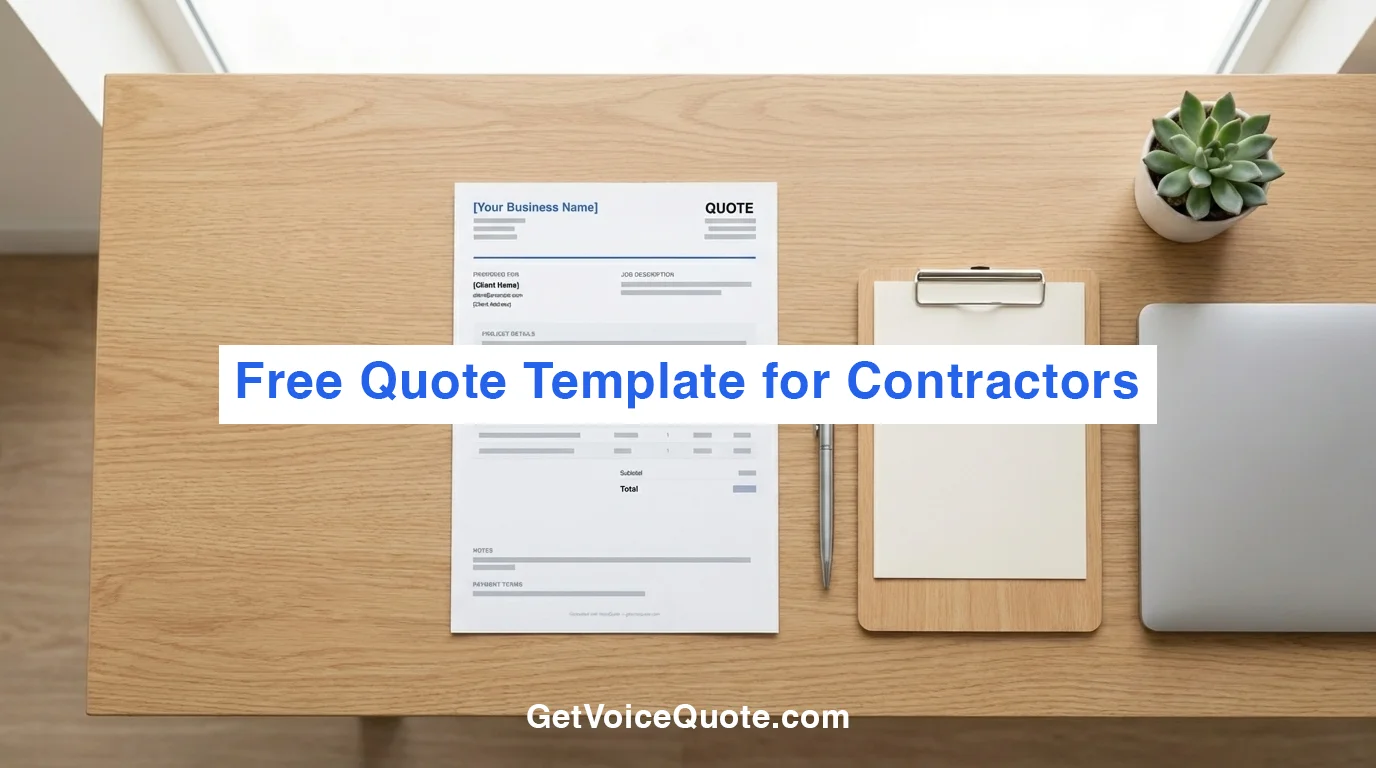
We've put together a clean, professional quote template you can download and fill in. It includes all the sections a proper contractor quote needs.
Download free quote template (PDF)
Want to skip writing this? Generate it instantly using your voice or AI at getvoicequote.com →
The template includes:
- Your business name, logo space, and contact details
- Client name and address
- Quote reference number and date
- Project summary section
- Itemised line items (labour, materials, travel)
- Subtotal, VAT (if applicable), and total
- Notes, conditions, and payment terms
- Validity period
What every contractor quote must include
Whether you use our template or build your own, your quote needs these elements to look professional and protect you legally.
1. Your business details
Business name, phone number, email, and address. If you're VAT registered, include your VAT number. If you have a logo, add it — it makes a bigger difference than you'd think.
2. Client details
The client's full name and contact information. If it's a commercial job, include the company name too.
3. Reference number and date
A unique quote number (e.g., Q-2026-001) makes you look organised and makes it easy to track quotes later. Always include the date and how long the quote is valid for — 30 days is standard.
4. Project summary
A short paragraph describing what you'll do. This is where you prove you've understood the job. Don't just list tasks — explain the scope. For example:
"Complete bathroom refit including removal of existing suite, supply and installation of new bath, basin, toilet, and shower enclosure. All plumbing and tiling included. Electrical work for extractor fan and heated towel rail by qualified electrician."
5. Itemised line items
Break the work into clear items:
- Labour — listed as days, hours, or per task with your rate
- Materials — itemised where practical, with costs
- Travel or call-out — if applicable
Clients trust itemised quotes far more than a single lump sum. They can see exactly what they're paying for.
6. Total with tax breakdown
Show the subtotal, then VAT/tax separately (if you're registered), then the final total. Make it impossible to misread.
7. Payment terms
Common structures:
- 50% deposit on acceptance, balance on completion
- Stage payments for larger jobs (e.g., 30% / 40% / 30%)
- Payment within 14 or 30 days of invoice
8. Notes and conditions
Cover yourself. Common inclusions:
- "Price assumes clear access to work area"
- "Excludes skip hire / disposal"
- "Subject to site survey"
- "Any additional work will be quoted separately"
The problem with templates
Templates work, but they're slow. Every time you quote a job, you need to:
- Find the template file
- Duplicate it
- Replace all the placeholder text
- Calculate the line item totals
- Work out the VAT
- Format it so it looks clean
- Export as PDF
- Email it to the client
That's 20-30 minutes of admin. If you're doing two or three quotes a day, that's hours of your week spent on paperwork instead of paid work.
And the longer you take, the more likely the client has already said yes to someone who replied faster.
The faster alternative: describe the job, get the quote
VoiceQuote replaces the entire template workflow. Instead of filling in a document manually, you just describe the job — out loud or in text — and it generates a professional quote automatically.
Here's what happens:
- You speak for 30-60 seconds — describe the job, materials, labour, pricing
- AI generates the quote — line items, project summary, totals, everything
- You review and edit — adjust any prices, add your branding
- You send it — professional PDF emailed to your client with one click
No templates to find. No formatting to fix. No calculations to do.
The same quote that takes 25 minutes with a template takes 30 seconds with VoiceQuote.
Try it now — no signup needed
Describe a job and see it turn into a professional quote in seconds.
Try VoiceQuote freeWhen to use a template vs. VoiceQuote
| Template | VoiceQuote | |
|---|---|---|
| Time per quote | 20-30 minutes | 30 seconds |
| Line items | Manual entry | Auto-generated |
| Calculations | Manual | Automatic |
| Project summary | Write it yourself | AI-generated |
| PDF generation | Export manually | One click |
| Send to client | Attach to email | Built-in email delivery |
| Track status | Manually | Dashboard with accept/decline |
| Branding | DIY formatting | Logo + brand colour auto-applied |
| Cost | Free | 1 free, then from £29/month |
Key takeaways
- A professional quote needs: your details, client details, itemised line items, totals, terms, and conditions
- Templates work but they're slow and repetitive
- Speed wins jobs — the first contractor to send a clean quote usually gets the work
- VoiceQuote generates quotes in 30 seconds from a voice description — no templates, no formatting, no calculations
Quote jobs in 30 seconds
Speak the job. Get a professional quote with line items, costs, and a project summary — ready to send.
Try VoiceQuote free